

You need to make sure you have Admin access right to update company info/ logo.
Then you will be able to access System Module ‣ User ‣ Company ‣ Choose your company ‣ Click at the pencil icon on the picture ‣ Upload your logo ‣ Save
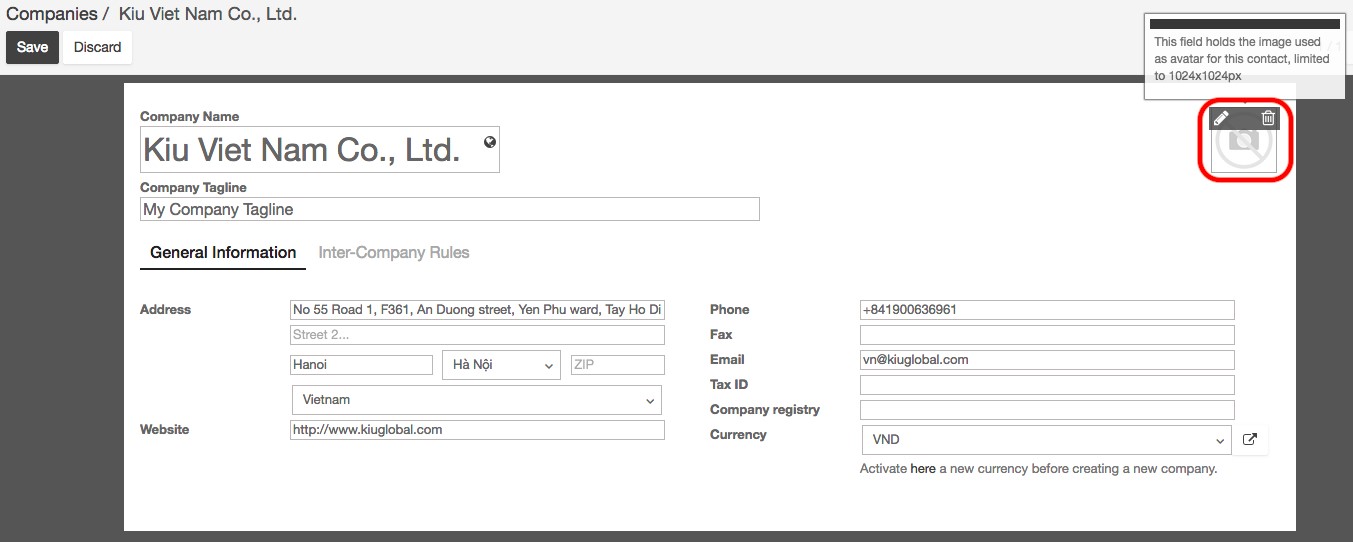
Please note that the logo size is limited to 1024 x 1024 px.